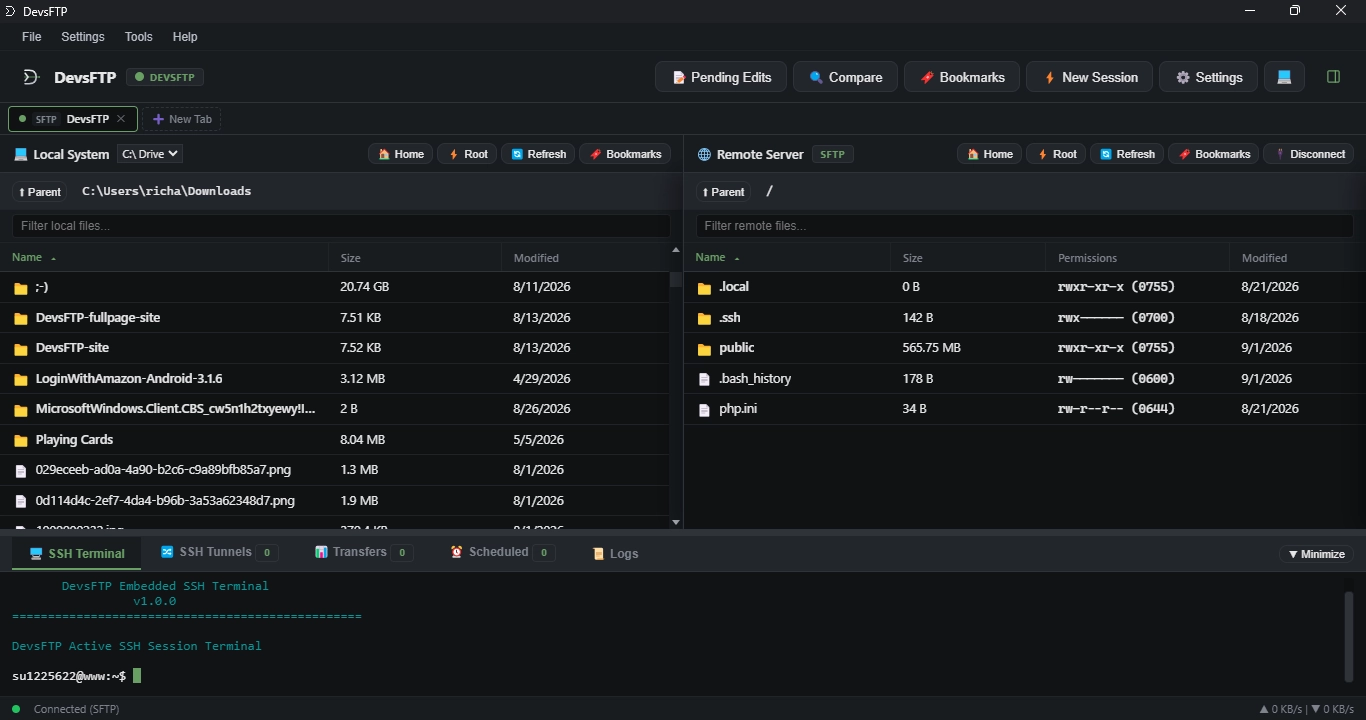
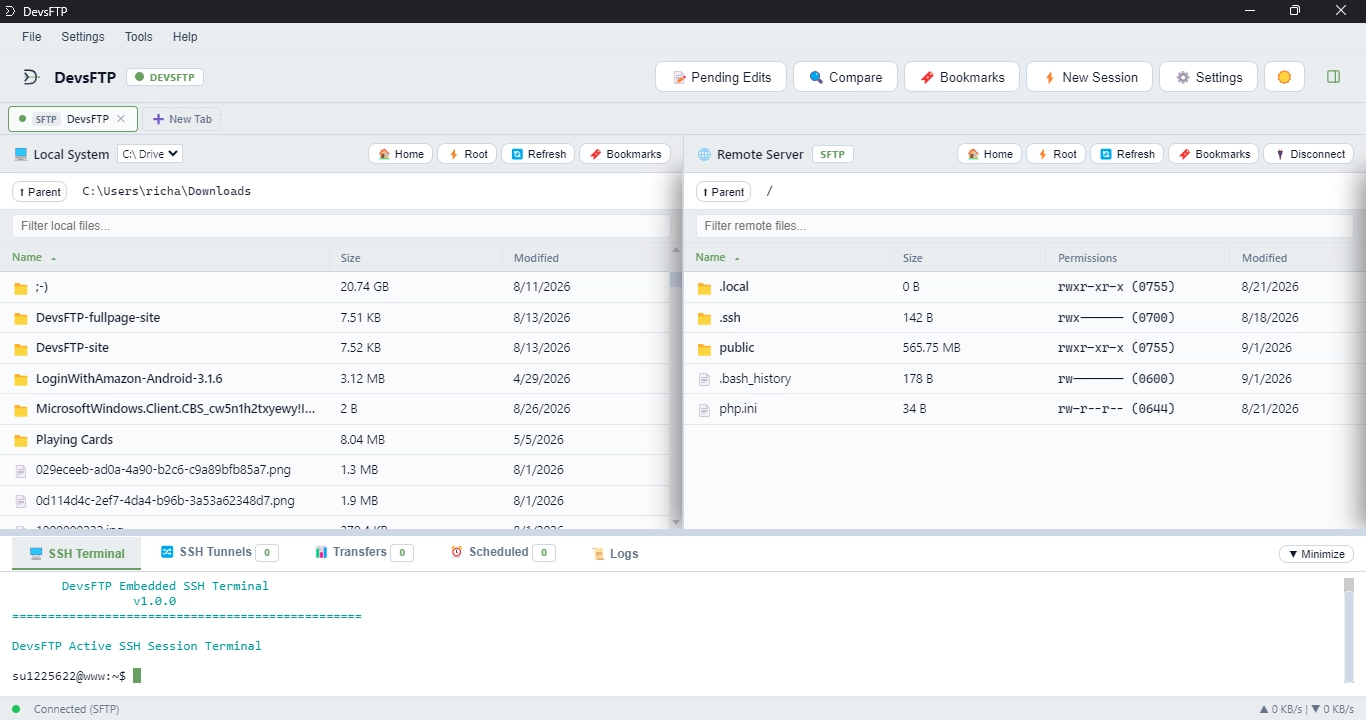
Why developers choose DevsFTP
Workspace Identity Accents
Color-code your connections. The interface dynamically updates HSL themes across panels and terminals depending on the active profile, preventing accidental production edits.
PBKDF2 / AES-256 Vault
Zero cloud trust local security. All passwords and profiles are locked locally using 800k iteration PBKDF2 keys and encrypted with the state-of-the-art AES-256-GCM cipher.
Embedded SSH Terminal
Run shells side-by-side. Featuring a built-in Xterm.js console that automatically routes your profile credentials to log into remote servers instantly with one click.
Save-to-Upload Watcher
Edit in your local IDEs. Monitors files via Chokidar file watchers, automatically detecting local saves and syncing changes back to the remote server on Ctrl+S.
Direct Remote-to-Remote
Migrate between servers without downloading to local disk. Stream files directly between any two active remote tabs (SFTP, FTP, WebDAV, Amazon S3, Dropbox, Google Drive, OneDrive) seamlessly.
Visual Directory Compare
Scan local and remote folders side-by-side. Instantly spot missing, newer, older, or modified files with color-coded states and trigger one-click batch synchronization.
SSH Tunnel Port Forwarding
Establish secure routing paths. Supports Local, Remote, and Dynamic SOCKS5 proxy port forwarding tunnels built directly into your active SSH profiles.
Multi-Tab Workspace Restore
Never lose your place. DevsFTP automatically saves and restores all active connection tabs, authenticated sessions, and remote directory paths across app restarts.
Sync Automation Scheduler
Automate backups and transfers. Run automated background upload, download, and sync tasks triggered on startup, daily schedules, or custom interval timers.
Cloud Storage & S3 Buckets
Direct native integrations for Dropbox, Google Drive, Microsoft OneDrive, and Amazon S3. Transfer, browse, and sync cloud files alongside your servers with zero subscriptions or third-party plugins.
Smart Exclusion Engine
Keep servers clean. Automatically respect project .gitignore files and custom glob patterns to prevent accidentally uploading node_modules, .env secrets, or build caches.
Line-by-Line Discrepancy Viewer
Inspect code differences before uploading. Right-click any local and remote file pair to view line-by-line diffs with live syntax highlighting, search/grep filtering, and unified change counts.
Compare with FileZilla, WinSCP, and SmartFTP
| Feature / Capability | DevsFTP | FileZilla | WinSCP | SmartFTP |
|---|---|---|---|---|
| Pricing & License | Free Freeware | Free / Pro ($19.99+) | Free (GPL) | Paid Only ($49.95–$99.95+) |
| Platform Support | Windows & Linux | Windows, Mac, Linux | Windows Only | Windows Only |
| Supported Protocols | SFTP, FTP, FTPS, WebDAV, S3, Cloud | FTP, FTPS, SFTP | SFTP, FTP, FTPS, SCP, WebDAV, S3 | SFTP, FTP, FTPS, WebDAV, S3, Cloud |
| Cloud Storage (Drive, Dropbox, OneDrive) | Native Built-In (Free) | Paid Pro Only ($19.99+) | Not Supported | Paid Enterprise ($99.95+) |
| Amazon S3 & S3-Compatible | Native SigV4 (Free) | Paid Pro Only ($19.99+) | S3 Supported | Paid License ($49.95+) |
| Workspace Identity Accents | Dynamic Color Accents | Not Supported | Not Supported | Not Supported |
| Per-Tab Path Memory | Saved Per Tab | Not Supported | Not Supported | Tab Session Only |
| Interactive SSH Terminal | Built-In Console | Not Supported | External (PuTTY) | Paid Add-On ($49.95+) |
| SSH Tunneling & SOCKS5 | Local, Remote, SOCKS5 | Not Supported | Local Only | Supported (Paid) |
| External Editor Watcher | Save-to-Upload | Focus Detection | External Watch | Auto Upload |
| Smart Exclusion Rules | Native .gitignore & Glob | Regex Filters | Basic Masks | Regex / Wildcards |
| Remote Directory Size | Recursive Calculator | Not Supported | Manual Query | Manual Query |
| Local Credential Vault | AES-256-GCM Offline | Optional Master Key | Optional Master Key | Windows DPAPI |
| Persistent Workspace Restore | Tabs & Folders Restore | Tabs Only | Workspace Sessions | Favorites & Tabs |